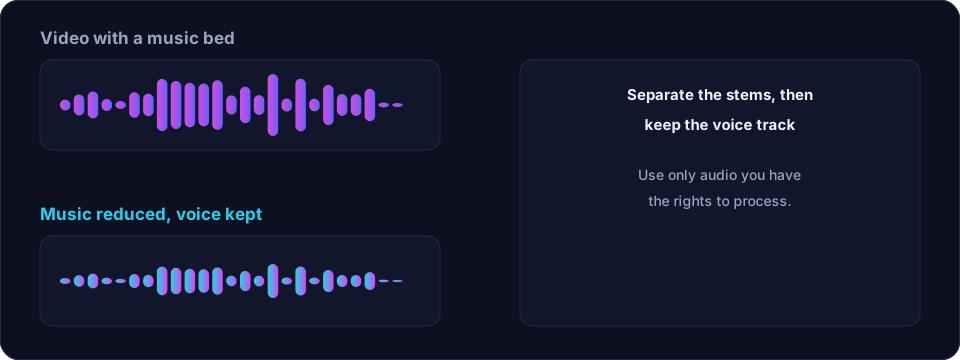
The problem is always the same: a video has a voice and a music bed playing at the same time, and you want one without the other. Because both were recorded together, they share the same frequencies at the same moments, and separating them is genuinely difficult. There is no single button that does it perfectly, but with the right approach you can get a result that is more than good enough for most videos.
First, decide which one you actually need
There are two opposite jobs, and they need different tools.
- Keep the voice, drop the music. This is the common case: you want clean dialogue and no distracting song underneath.
- Keep the music, drop the voice. This is the karaoke case, covered in the vocal separation guide.
Knowing which you want tells you which stem to keep, and it also tells you how much residue you can tolerate. A little music under dialogue is often acceptable; a little dialogue over a music bed usually is not.
Method 1 — Re-mix from the source (by far the best)
If you have access to the project or the original assets, the cleanest fix is not to separate anything at all. Mute the music track in the editor, or export the dialogue separately, and re-mix. This gives a perfect result because nothing was ever combined. It only works when you have the sources, so it is worth asking before you spend an hour on separation.
Method 2 — AI stem separation
When all you have is the finished video, source separation is the practical route. A model estimates the voice and the music and outputs them as separate tracks. You then keep the dialogue stem and discard the music stem. Tools such as Offex Audio's Voice / BGM Isolation do exactly this on our server; it is shown as Not connected when the processor is offline.
Expect some bleed: the dialogue stem will usually carry a faint ghost of the music, and where the two overlapped heavily the voice may sound slightly softened. For most social, instructional and interview videos this is perfectly usable, especially once the music is quiet in the mix anyway.
Method 3 — EQ and ducking (partial, but useful)
You cannot EQ a music bed out of a mix, but you can reduce how much it distracts. If the music sits mostly in a low or mid band, a careful cut in that band makes it less prominent. Even better, if you have the music as a separate track, you can duck it — automatically lowering it whenever the voice is present — so it never competes. This is not removal, but it is often what people actually wanted.
How to keep everything in sync
Audio and video drift apart easily when you process them separately, so handle sync deliberately.
- Extract the audio once from the video, process that file, and re-attach the processed audio to the same video. Do not cut the audio into pieces unless you must.
- Keep the original length. Some cleanup tools trim silence, which shortens the audio and throws it out of sync. If you trim, do it before you re-attach, and re-align to the picture.
- Watch for latency. Some processing adds a tiny delay. Zoom in on a sharp sound — a clap or a door — and nudge the audio by a few frames if it is early or late.
- Check the whole clip. Sync can look fine at the start and drift by the end, so watch a few points across the timeline.
Which tool should you use?
If you have the sources, re-mix — it is free and perfect. If you do not, use AI separation and accept a little residue. If you only need the music to stop competing, try ducking or a targeted EQ cut, which is far simpler than full separation. Offex Audio's separation tool is the middle path when you have only the finished file.
A word on rights
Removing or separating music does not change its copyright status. Only process videos you have the rights to work with, and be careful about using commercial music in published content.
Conclusion
Removing background music from a video is hard because the music and voice were recorded together. Prefer re-mixing from the sources when you can, use AI separation when you cannot, and fall back to ducking or EQ when you only need the music to step back. Handle sync deliberately, expect a little bleed, and you will get clean dialogue that sits properly under the picture.
Frequently asked questions
Can you remove background music from a video without the original files?
Yes, with AI stem separation, which estimates and splits the voice and music. The result is good but not perfect: expect a faint trace of music in the dialogue stem.
How do I stop the audio going out of sync?
Extract the audio once, process that single file, and re-attach it to the video. Avoid trimming the audio unless you re-align it to the picture afterwards.
Is there a way to remove music without separation tools?
If you have the music as a separate track you can mute or duck it, which is cleaner than separation. If the music is only in the finished mix, you cannot EQ it out cleanly.
Will removing the music damage the dialogue?
Where the voice and music overlapped, the voice may sound slightly softened. A light cleanup afterwards usually restores clarity.